How to Choose Local SEO Tools in 2026: A Buyer Framework for Agencies
Choosing local SEO software gets harder when your agency grows.
A consultant managing eight Google Business Profiles can work effectively with a rank tracker, an audit tool, and a reporting system. An agency managing 300 client locations has a different problem. It needs controlled access, bulk location updates, listing distribution, review workflows, client reporting, duplicate management, APIs, and a reliable way to track who changed what.
The software should match that operating model.
Google says complete and accurate Business Profile information can make a business more likely to appear for relevant local searches. It describes local results as mainly based on relevance, distance, and prominence, and says businesses cannot pay for better organic local rankings.
For the fundamentals behind that work, use the Local SEO Checklist before you start comparing software.
A tool can help your agency execute local SEO more consistently. It cannot replace accurate business data, a sound local search strategy, good location pages, review work, or sensible Google Business Profile management.
This guide gives agencies a practical framework for comparing tools in 2026, then applies it to six commonly considered platforms: BrightLocal, Synup, Semrush Local, Whitespark, Localo, and Yext.
Quick answer: what should agencies compare first?
Do not start with the number of features on a pricing page.
Start with the recurring work your agency needs to complete for clients.
| Area | What an agency should test | Signs you need stronger tooling |
|---|---|---|
| Google Business Profile management | Editing, posting, categories, hours, media, multiple profiles | Staff repeatedly switch between profiles or accounts |
| Local rank tracking | Maps, Local Pack, organic, geo-grid tracking | Clients need neighborhood-level reporting |
| Listings management | NAP, hours, categories, directory sync, errors | Client data changes frequently or at scale |
| Reviews | Monitoring, responses, generation, assignment | Reviews are part of the monthly retainer |
| Client reporting | Scheduled reports, white labeling, exports | Reporting takes several hours per account |
| Multi-client management | Workspaces, groups, roles, permissions | Multiple employees manage the same accounts |
| Bulk operations | Hours, posts, data changes, imports | You manage chains, franchises, or large portfolios |
| API and integrations | Reporting API, location API, exports | You move data into internal systems or dashboards |
| Pricing | Per user, location, keyword, scan, or feature | Software cost rises quickly with client growth |
| Offboarding | Data export, listing ownership, account transfer | Clients frequently move in or out of your agency |
If you want a separate product-oriented comparison after using this framework, see the Best Local SEO Tools in 2026 guide.
How this buyer framework was built
Local SEO agencies need software that supports recurring production work, rather than a collection of isolated features.
The monthly local listing management checklist on this site provides a useful operational baseline. Its workflow starts with an approved source of location data, then moves through changes, platform checks, directories, duplicates, public edits, and reporting.
That operating model is especially useful when judging local SEO tools because it forces a practical question:
Can your team complete the monthly client workflow inside the software, or does the software create more manual work around it?
Before evaluating vendors, you can run the 15-Minute Local SEO Audit on a representative client. Document the work you currently do manually. That gives you a baseline for testing whether a new platform actually saves time.
Product capabilities and pricing in this article were checked against current vendor pages and documentation on September 18, 2026. Prices can change, so agencies should verify final quotes before signing a contract.
1. Define the service you are buying software to deliver
Agencies often buy tools backward.
They watch a demo, find several attractive features, then try to fit those features into an existing service.
Start with the client deliverable instead.
Suppose your $750-per-month local SEO package includes Google Business Profile optimization, local ranking reports, listing maintenance, review monitoring, and a monthly client report. The tool should make those five deliverables cheaper or faster to produce.
If a feature is impressive but does not improve a billable service, client retention, quality control, or team productivity, give it little weight in the buying decision.
Consider three agency models.
A small SEO agency managing 20 independent businesses may place more weight on rank tracking, audits, citation work, and branded reports.
A franchise marketing agency managing 600 locations may care much more about bulk hours, permissions, location data, duplicates, integrations, and approval processes.
A reputation-focused agency may care more about review monitoring, response assignment, review generation, and reporting than geo-grid scans.
Those agencies should not end up with identical scorecards.
2. Audit your workflow before comparing vendors
Write down what happens when a client asks:
“We are changing our Saturday hours at all 42 locations. Can you update everything?”
Then track every step.
Where does your team get the approved hours? Who checks them? Which platforms get updated? Who verifies that the updates went live? What happens when one directory still shows the old hours? How is the work recorded? What appears in the client report?
This is where listing software either earns its cost or exposes its limits.
The Local SEO Checklist guide to local listings management in 2026 recommends maintaining one approved source of location data before pushing changes outward. That is also the core operating principle in the monthly local listing management checklist.
Google’s own Business Profile rules reinforce the importance of correct source data. Google asks businesses to use accurate real-world names and addresses, choose the fewest categories needed to describe the core business, and generally maintain one profile per location.
Google’s guidelines for representing a business
A tool that distributes incorrect source data faster does not solve the problem.
3. Test agency account structure and permissions
Permissions are easy to ignore when five people work at an agency. They become painful when 50 people do.
Ask each vendor to demonstrate how you would structure three real clients.
For example, suppose Client A has 120 franchise locations, Client B has six locations, and Client C has one. Your account manager should be able to access all three. A contractor handling Client C should see only Client C. The franchise regional manager should see only the locations assigned to their region.
Do not settle for “we support roles.”
Ask the vendor to build the access model during the demo.
Google itself provides agency organizations, user groups, and business groups for third parties managing Business Profiles. Registered agencies can organize teams and location access without passing shared credentials around.
Google’s Business Profile agency account guidance
Your paid software should offer a meaningful operational improvement beyond the controls already available directly through Google.
4. Examine rank tracking beyond the screenshot
Almost every local SEO platform can show ranking data.
The buying question is how the tracking model works.
Check whether the platform tracks Local Pack, Maps, and organic results. Determine whether location can be controlled at the city, ZIP code, or coordinate level. Look at geo-grid sizes, keyword allowances, scan frequencies, credit usage, competitor tracking, and historical storage.
Pricing can change dramatically based on those limits.
If you manage 50 clients and track 20 keywords for each, that is 1,000 keyword-location combinations before adding grid scans. A platform that looks cheap at five keywords may become expensive under a real agency workload.
Run your pilot using normal client configurations rather than the smallest possible test.
5. Treat listings management as an operating system, not a directory count
Listings vendors often promote network size.
Directory coverage is useful, but the raw number should not decide the purchase.
Ask how the system handles business name, address, phone, URL, regular hours, holiday hours, categories, attributes, open or closed status, and duplicates. Then check how failed updates appear.
You need to know what your staff sees when one destination rejects an update.
The monthly local listing management checklist recommends comparing public profiles against the approved master record, logging mismatches with owners and severity, and treating incorrect phones, hours, pins, or open status as urgent issues.
For a dedicated comparison of platforms in this part of the market, see Best Local Listings Management Tools in 2026.
Directory count should sit behind accuracy, visibility into errors, update control, and the ability to prove that work was completed.
6. Check how the platform handles Google, Apple, and Bing
Google Business Profile receives much of the attention in local SEO, but agencies serving multi-location businesses usually need broader location-data coverage.
Google supports bulk management and bulk verification for eligible businesses with 10 or more locations of the same business. Agencies managing multiple businesses in one account cannot simply bulk verify all of them as one chain.
Google’s bulk Business Profile verification documentation
Apple also gives organizations tools for managing individual or large numbers of locations. Its current documentation says organizations can update location information such as hours, special hours, photos, and other details, and can work with third-party partners.
Apple Business location management documentation
Microsoft directs businesses that want to add or change business information in Bing Maps to Bing Places for Business.
Microsoft’s Bing business listing guidance
During software evaluation, ask the vendor to show the update path for each platform instead of presenting a logo slide.
7. Evaluate reporting by the time it saves
A white-label PDF is no longer enough.
Measure the full reporting workflow.
How much setup does each client require? Can reports run weekly or monthly? Can staff add commentary? Can the client access a live report? Can your agency brand the report? Can reports be separated by location or region? Can your team export the underlying data?
Most importantly, how long does it take?
If a platform reduces a monthly report from 45 minutes to 10 minutes, an agency with 80 clients saves roughly 46 hours per month.
That is a useful procurement number.
If another product generates a prettier report but saves five minutes, the business case is weaker.
8. Model pricing at three scales
Never compare local SEO tools using today’s smallest subscription alone.
Calculate the software bill at your current portfolio, your expected portfolio in 12 months, and an aggressive growth case.
A $5-per-location difference barely matters at 10 locations. At 1,000 locations it becomes $5,000 per month.
Check whether the vendor charges for locations, users, keywords, grid scans, reports, listing connections, review messages, API calls, white labeling, onboarding, or support.
Also check the contract term.
A platform costing $600 per month on a flexible agreement may carry less financial risk than a $450-per-month product locked into a long contract your agency could outgrow.
Local SEO tools agencies commonly evaluate in 2026
The six platforms below illustrate different approaches. This is not a ranking. Use the buyer criteria above to decide which products deserve a trial.
| Platform | Agency fit to investigate | Main area to test | Current pricing approach |
|---|---|---|---|
| BrightLocal | Agencies combining audits, rankings, listings, reputation, and reports | Whether its broad toolset replaces enough separate software | Track starts from $31/month; Manage from $40/month on current marketing pricing |
| Synup | Agencies needing listings, reviews, client-facing branding, and multi-location operations | White-label workflows and listings operations | Scales by locations and selected capabilities |
| Semrush Local | Agencies already working heavily in Semrush | Cost per location and connection with the wider SEO workflow | Base $30/location/month annually; Pro $60 |
| Whitespark | Specialists wanting modular local search tools | Cost of combining several individual products | Products sold separately |
| Localo | Agencies centered on GBP work, Maps visibility, and client reporting | Profile allowances and agency automation | Pro shown from $149/month billed annually in current selector |
| Yext | Agencies serving large multi-location and enterprise clients | Location-data controls, publishers, permissions, integrations | Sales-led pricing |
BrightLocal
BrightLocal packages several common local SEO functions into one platform.
Its current plans include local rank tracking, Local Search Grid, Citation Tracker, GBP auditing, and local search auditing. Manage adds Active Sync and GBP posting, while Grow adds reputation-management functions. White-labeling is included across its main Track, Manage, and Grow plans.
BrightLocal’s current platform page advertises Track from $31 per month and Manage from $40 per month. Its help documentation shows that final subscription pricing depends on plan and active-location allowance, with higher monthly prices when annual discounts are not applied.
For agencies, test BrightLocal when your team performs several distinct jobs for each client, such as rankings, audits, citations, listings, and reporting.
Pay attention to what sits inside the subscription and what remains a separate purchase. Citation Builder is a pay-as-you-go service rather than an unlimited part of the core plans.
Also test reporting limits and ad-hoc report usage against a normal month at your agency.
Strong fit to investigate: Agencies that want a broad local-search toolkit and prefer a familiar set of specialist SEO functions inside one vendor.
Main buyer question: Will the breadth reduce your total software stack enough to justify the subscription?
Synup
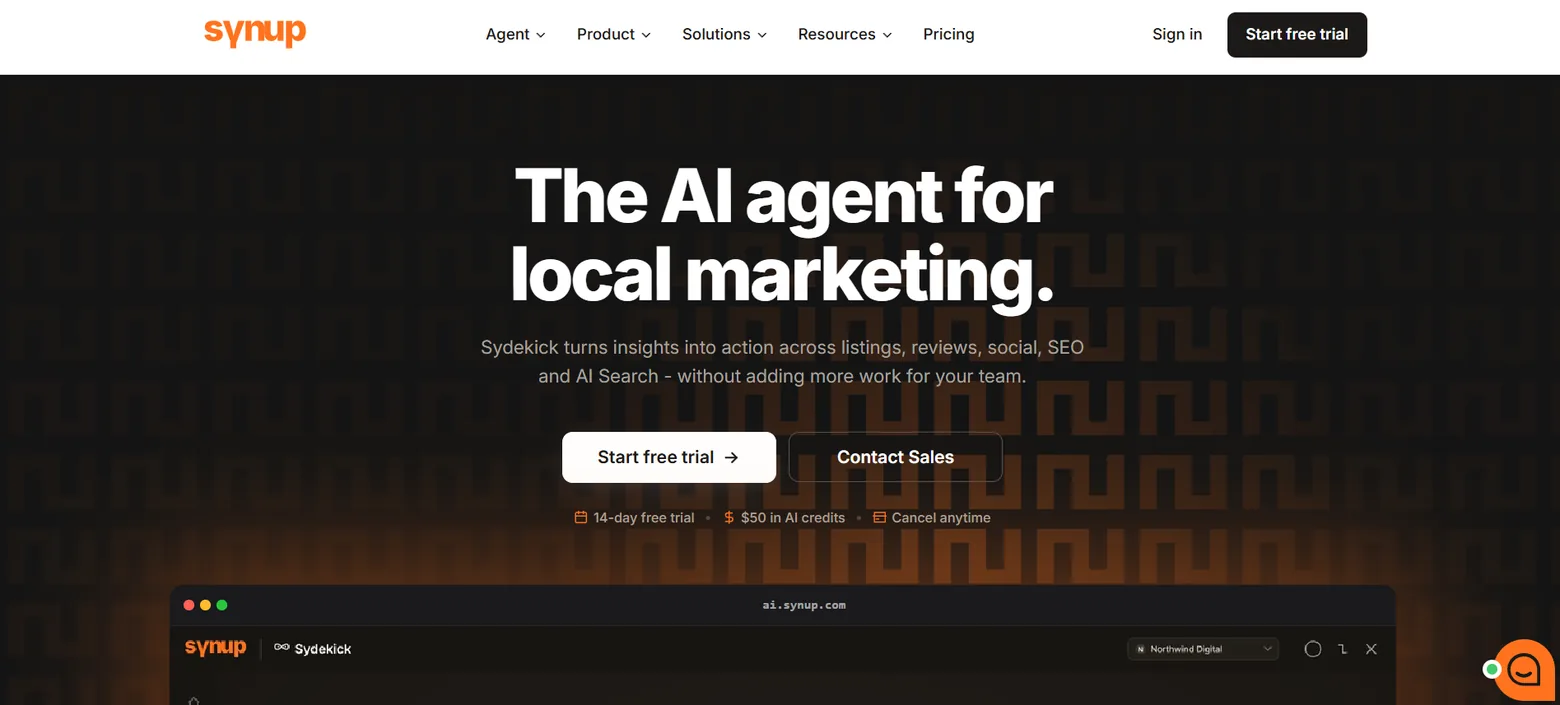
Synup is worth examining when the agency plans to make the software part of its client-facing service.
Current Synup documentation allows agencies to configure branding and a custom domain for the client dashboard so clients see the agency’s identity. Its white-label controls cover client-facing products such as Listings and Reviews.
Synup’s current site positions the platform around listings, reviews, social, local SEO, AI-search visibility, and agency operations. Pricing scales according to locations and the capabilities enabled rather than presenting one universal public package price.
For an agency, the trial should focus on more than appearance. Add several clients, assign users, connect profiles, push a real listing correction, review failed or incomplete syncs, and produce a client report.
Also test onboarding and offboarding. A good white-label experience has limited value if account setup creates large amounts of internal administration.
Strong fit to investigate: Agencies that sell local marketing under their own brand and want clients interacting with a branded platform.
Main buyer question: Does the white-label and multi-client workflow save enough account-management time to support your agency’s service model?
Semrush Local
Semrush Local deserves particular attention when an agency already uses Semrush for other SEO work.
Current pricing lists Local Base at $30 per month per location when billed annually. Local Pro is $60 per month per location and adds functions including Listing Management, review management and generation, advanced GBP management, and a larger Map Rank Tracker allowance. Larger Local Business arrangements use custom pricing.
The location-based pricing model makes cost modeling important.
At 10 locations, a $30 per-location plan represents $300 per month. At 100 locations, the same unit price represents $3,000 per month before considering other Semrush subscriptions or services.
Do not assume the broader Semrush relationship automatically makes Local the right purchase. Compare the time saved by having local-search work close to the rest of the SEO stack against the cost of a specialist platform.
Strong fit to investigate: Agencies already using Semrush extensively for SEO and wanting local functions close to that workflow.
Main buyer question: Does operational convenience offset the per-location cost as your client portfolio grows?
Whitespark
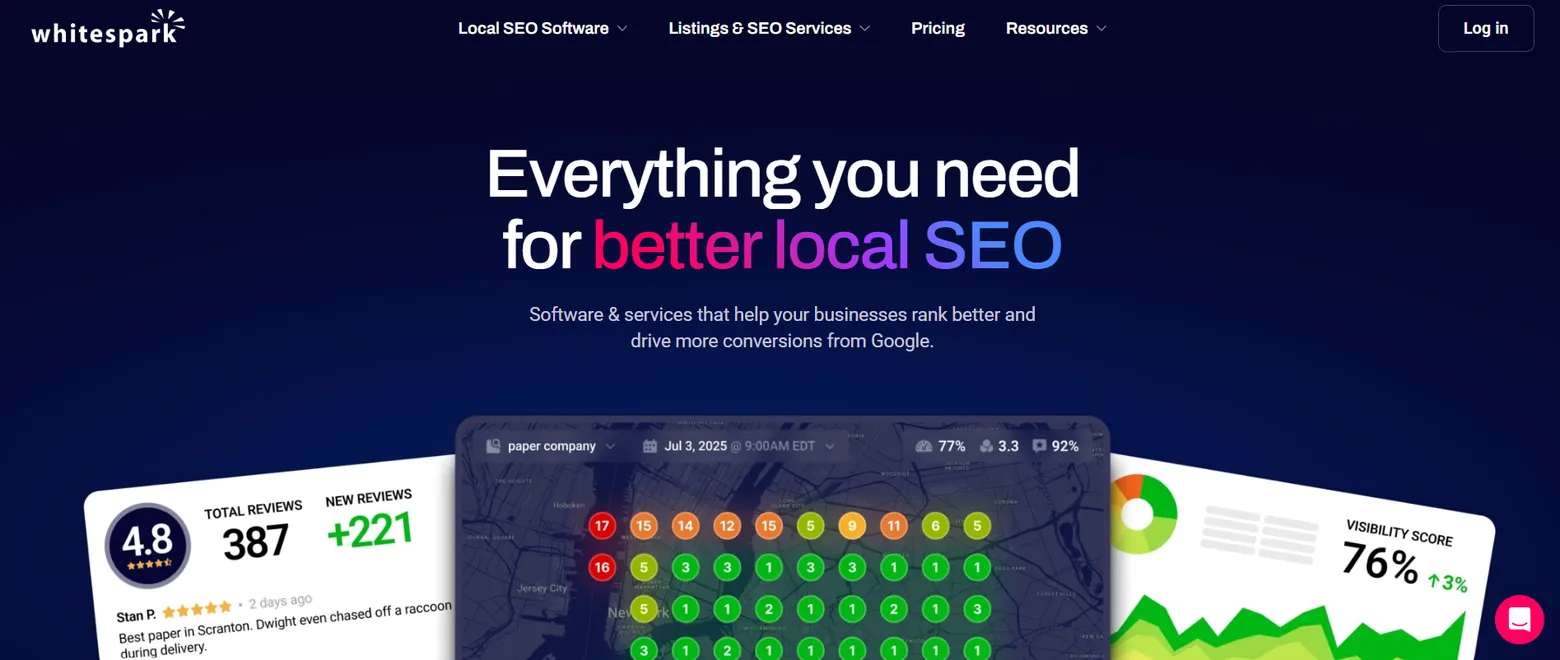
Whitespark uses a modular model.
Its pricing page explicitly states that its software and services are sold individually rather than forced into one bundle. Current products include Local Platform at $1 per location per month, Local Ranking Grids starting at $10 per month, Local Rank Tracker from $14 per month, Local Citation Finder from $33 per month, and separate listing and reputation services.
That model can work well for agencies that know exactly which functions they need.
For example, an agency with an existing reporting platform might use Whitespark primarily for citation research and rank tracking instead of paying for overlapping functions elsewhere.
Its Local Citation Finder currently has an Agency tier designed for up to 20 campaigns and an Enterprise tier for larger portfolios. Whitespark’s Local Rank Tracker also has agency-oriented tiers and white-label reporting.
The tradeoff is software coordination. Several focused products may cost less, but your team may have to move between more interfaces and reports.
Strong fit to investigate: Local SEO specialists who prefer buying focused tools rather than one broad suite.
Main buyer question: Is modular buying more efficient for your team, or does it create too much tool switching?
Localo
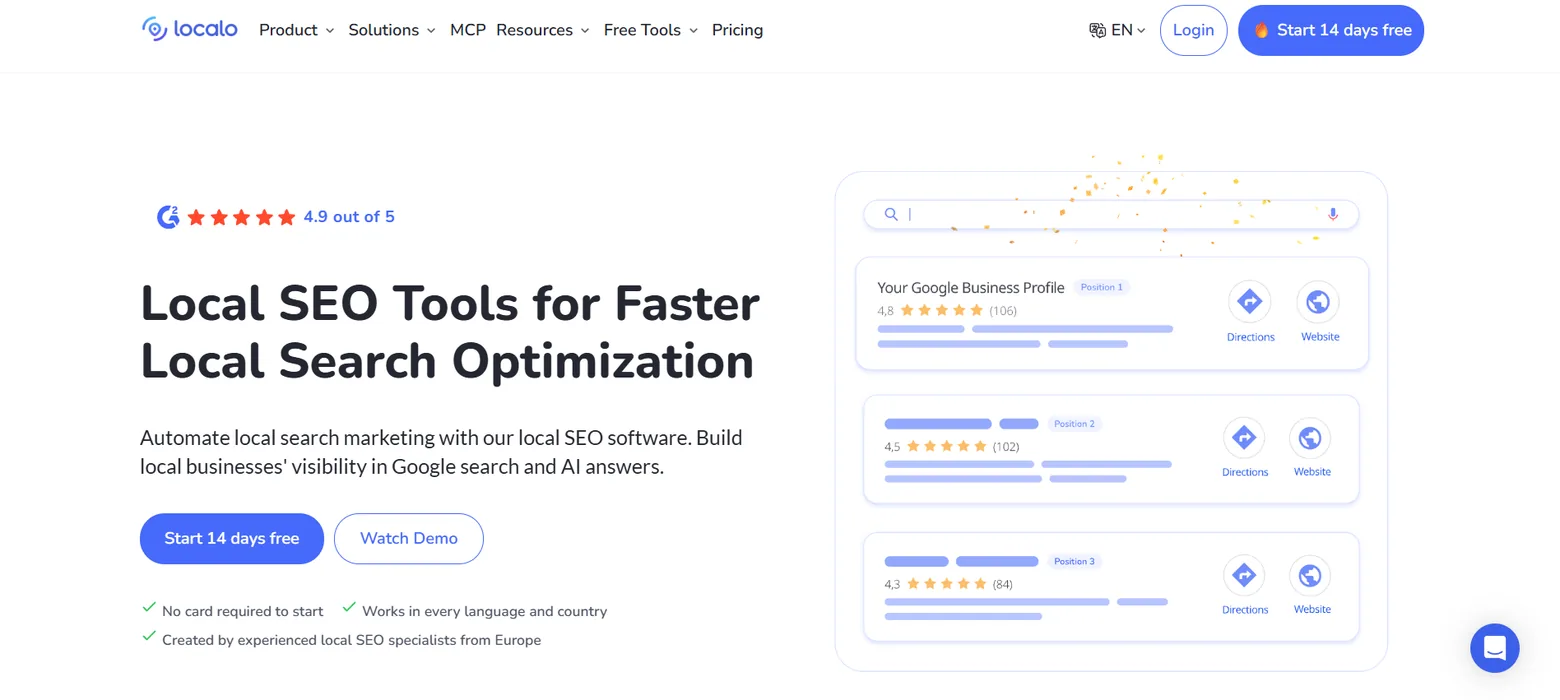
Localo focuses strongly on Google Business Profile work, Maps visibility, automation, and agency reporting.
Its current agency product includes shared workspaces, bulk operations, white-label functions, client and team access, local ranking work, GBP optimization, review workflows, and client reporting.
Localo’s reporting system can create weekly or monthly report drafts using GBP statistics, keyword rankings, competitor data, reviews, and other tracked activity. Agencies can review those drafts before sending them as emails, PDFs, or links.
Its current pricing page shows a Pro plan aimed at agencies and freelancers, with a displayed price of $149 per month when billed annually in the current configuration. Pricing changes according to the number of Google Business Profiles being managed, and an Enterprise option uses custom pricing.
Test it using the number of profiles you realistically expect to manage rather than the default pricing-page configuration.
Strong fit to investigate: Agencies whose retainer is centered on GBP optimization, Maps tracking, review work, and recurring client reports.
Main buyer question: Does its Google-focused workflow cover enough of your service, or will you still need a separate listings platform?
Yext

Yext belongs in a different part of the buying conversation from an inexpensive rank tracker.
Its current Listings product says it connects directly to more than 200 publishers and manages more than 12 million locations. The platform includes large-scale updates, role-based access, audit controls, publisher monitoring, and duplicate-related functions.
Yext also has formal agency, alliance, and channel partner programs. Channel partners can sell Yext products as part of their own services, while alliance partners primarily work with mid-sized and enterprise clients.
This makes it more relevant when an agency manages complex location networks or serves enterprise clients.
Your evaluation should examine publisher coverage, bulk editing, permission structure, APIs, data imports, approval processes, duplicate handling, exports, contract terms, and offboarding.
Yext does not present the kind of simple public monthly price shown by many SMB-focused tools on the pages checked for this article, so agencies should obtain a specific commercial proposal.
Strong fit to investigate: Agencies working with large brands, franchises, or other multi-location organizations that need stronger location-data controls.
Main buyer question: Does your client complexity justify an enterprise-grade listing operation?
Build a weighted agency scorecard
A useful scorecard should reflect your revenue model.
Here is a practical starting allocation:
| Criterion | Suggested weight |
|---|---|
| Core local SEO production | 20% |
| Multi-client operations and permissions | 15% |
| Reporting and client presentation | 15% |
| Listings and location-data management | 15% |
| Pricing and margin impact | 15% |
| APIs, exports, and integrations | 10% |
| Onboarding, support, and offboarding | 10% |
| Total | 100% |
Change the weights before speaking with vendors.
If your agency does no listing distribution, reduce that category. If you manage franchises, raise its weight.
Do not change the scoring model after seeing which product benefits.
That simply turns the framework into a way to justify a decision you already made.
Run the same 30-day test for every finalist
Use one repeatable procurement test.
-
Week 1: Set up three representative accounts. Use one single-location business, one multi-location client, and one client with an existing listing or GBP problem.
-
Week 2: Run normal agency work. Track rankings, conduct an audit, update profile data, work with reviews, and create a monthly report.
-
Week 3: Test exceptions. Change holiday hours, add a user, remove a user, investigate a duplicate, make a bulk update, export client data, and resolve an error.
-
Week 4: Calculate the operating cost. Add the software subscription to staff time for setup, maintenance, reporting, support, and manual work outside the product.
Do not score only the person who attended the sales demo.
Ask a second employee to complete the core workflow without help. That shows whether the product can be adopted across the agency rather than understood by one internal specialist.
Questions to ask during every local SEO software demo
Ask the vendor to perform real tasks instead of answering yes-or-no questions.
Have them show how a client with 50 locations is imported. Ask them to change holiday hours across ten locations. Ask how an unsuccessful directory update appears. Ask how a junior employee gets access to one account without accessing another. Ask how an agency removes access when that employee leaves.
Then ask about economics.
Find out how the bill changes if your portfolio doubles. Check the cost of more locations, keywords, grid scans, user seats, API usage, listing connections, review messages, exports, and branded reporting.
Finally, ask about exit.
Determine what data can be exported, what remains on publisher sites, what access must be transferred, what listing connections stop, and how quickly you can remove client information.
These questions reveal more about the real ownership cost than a feature checklist.
When should an agency move beyond spreadsheets?
Spreadsheets still work for simple local SEO operations.
They become risky when several people edit location data, business information changes frequently, bulk changes are routine, public edits need tracking, reporting becomes repetitive, or directory discrepancies require an active queue.
The monthly local listing management checklist uses the same operational signals. It recommends moving beyond a one-owner spreadsheet when location volume, change frequency, multi-user work, bulk updates, directory coverage, or duplicate management exceed what the spreadsheet can reliably support.
Location count alone is a poor threshold.
Ten stable locations managed by one person can be easier than four businesses that constantly change hours, phone numbers, categories, and staff access.
Buy software when the manual workflow starts producing missed changes, inconsistent execution, unnecessary labor, or poor accountability.
How should agencies evaluate AI features in local SEO tools?
In 2026, AI-related functions will appear in several local SEO products.
Treat them as features to test rather than purchase triggers.
Ask what data the AI uses, what actions it can take, whether those actions need approval, and how your agency verifies the output.
For AI-search monitoring, ask exactly which systems are measured and how the measurement works. A single proprietary “visibility score” tells you little without the queries, results, dates, locations, or underlying observations.
For automated GBP work, test whether recommendations respect client-specific facts, categories, brand rules, and approval requirements.
For reporting, calculate whether automation actually reduces staff hours.
The relevant question is still operational: Does the function reduce reliable work without introducing additional review or correction time?
Common buying mistakes
The first mistake is purchasing based on feature count. Fifty unused features have no agency value.
The second is comparing entry prices rather than portfolio costs. Per-location and usage-based charges become much more important as an agency grows.
The third is ignoring permissions until the agency already has a large team.
The fourth is assuming listings distribution solves bad data. The source record still needs to be correct.
The fifth is buying around one client. A platform should fit the service model you plan to sell repeatedly.
The sixth is treating reporting design as reporting quality. Useful reporting should connect work performed with measurable client data and take little staff time to produce.
The seventh is skipping offboarding tests. Client transitions are part of agency operations, even when nobody wants to discuss them during a sales demo.
FAQs
What should agencies look for in local SEO software?
Start with the services you sell. For many agencies, the core requirements are Google Business Profile management, local rank tracking, listings or citations, reviews, reporting, multi-client organization, roles, and exports.
Agencies serving larger location networks should also examine bulk operations, approval workflows, APIs, change history, duplicate handling, and location-data governance.
Is an all-in-one local SEO platform better than specialist tools?
Neither model automatically costs less or works better.
A broad platform can reduce logins, duplicated setup, and reporting work. Specialist products can give an agency more control over the exact functions it needs.
Calculate subscription costs and staff time together.
Three $50 tools that work smoothly may cost less than a $400 suite. The reverse can also be true if three tools require extensive manual transfer and reporting.
How much should an agency spend on local SEO tools?
Work backward from the service margin.
If a client pays $1,000 per month and the software directly attributable to that account costs $300, you need to know whether the product removes enough labor or improves the service enough to support that cost.
Calculate your software cost per managed client and per location.
Then run the calculation again at twice your current portfolio size.
Can local SEO software guarantee better Google Maps rankings?
No.
Google says local results are primarily based on relevance, distance, and prominence. Complete and accurate Business Profile information can help a business appear for relevant searches, but Google provides no way to pay for better organic local ranking.
Google’s local ranking documentation
Software helps agencies carry out local SEO work. It does not provide a ranking guarantee.
Should directory count determine which listings tool an agency buys?
No.
Check whether the destinations are useful to your clients, how quickly important updates are processed, what happens when data does not sync, how duplicates are managed, and whether the agency can see unresolved errors.
Coverage is useful only when the underlying operating process is reliable.
Do agencies need a paid tool to manage multiple Google Business Profiles?
Not necessarily.
Google provides organizations, business groups, user groups, bulk management, and bulk verification features for eligible businesses and agency arrangements.
Paid software needs to justify itself through additional work such as rank tracking, listings distribution, audit workflows, reporting, review management, automation, broader publisher coverage, or stronger multi-client operations.
Final buyer framework
The local SEO software market covers several different jobs under one category name.
BrightLocal, Synup, Semrush Local, Whitespark, Localo, and Yext overlap in places, but they are not identical purchases.
An agency centered on audits and rank tracking may reach a different shortlist from an agency selling white-label listings management. A franchise agency may care little about the cheapest single-location plan and care a great deal about bulk editing, permissions, errors, and APIs.
Define your recurring client workflow first.
Then calculate the cost of that workflow today, including staff hours. Run the same representative accounts through each finalist. Test normal work, exceptions, reporting, permissions, scale, and offboarding.
Choose software only when it improves the operating model your agency intends to repeat across clients.
That creates a more defensible buying decision than choosing the platform with the longest feature page.